Image Formats
WebP vs JPG vs PNG: Which Image Format Should You Use?
Compare WebP, JPG, and PNG by file size, transparency, compatibility, and the type of image you need to upload.
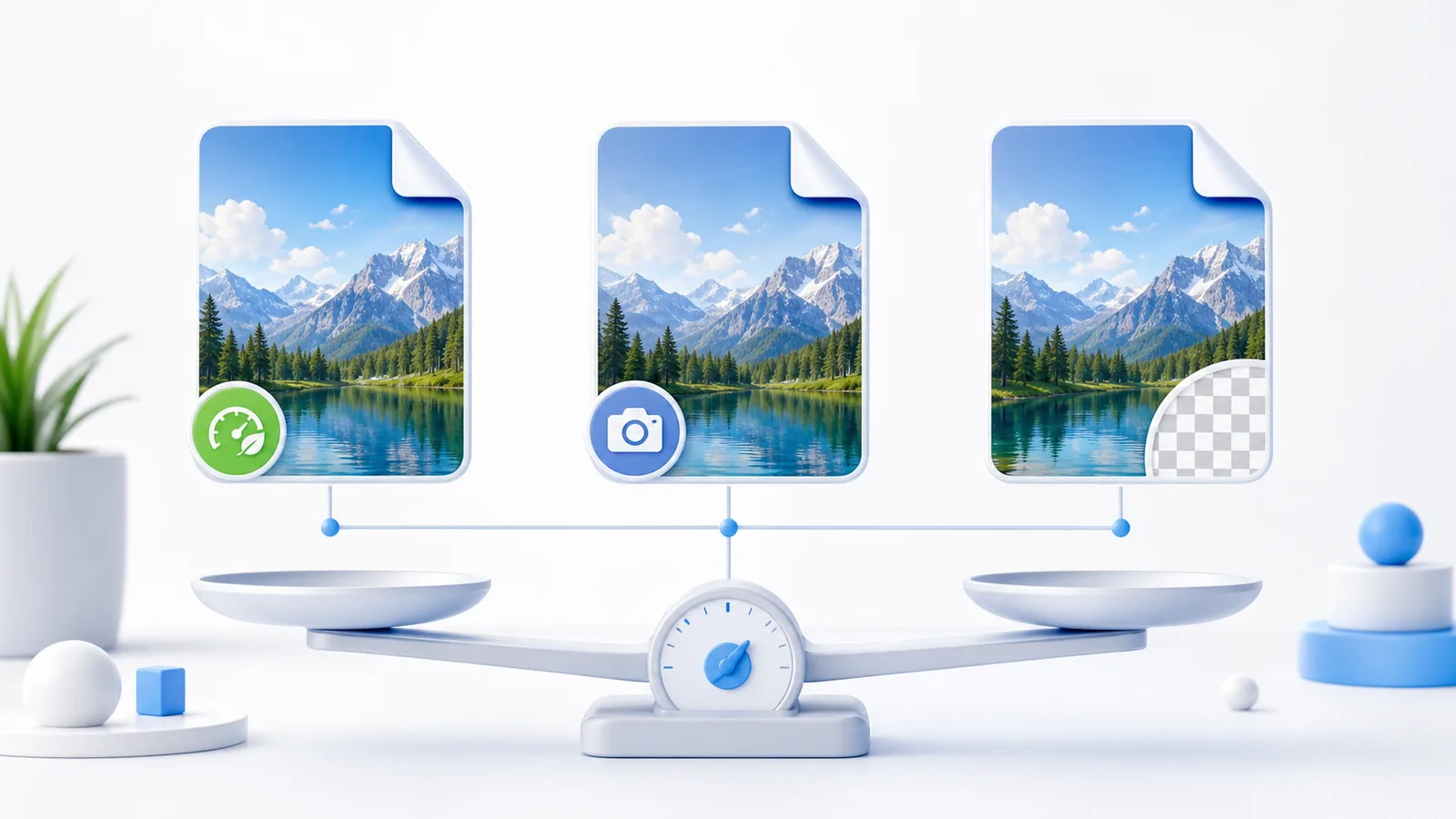
Short answer
Use WebP for efficient web delivery, JPG for photo compatibility, and PNG for transparency or crisp interface graphics. The best format depends on the destination, not on one universal winner.
Key takeaways
- WebP is usually the best first choice for modern websites.
- JPG remains useful for services and editors with strict compatibility requirements.
- PNG is appropriate for transparency, logos, screenshots, and sharp graphics.
- Always confirm the destination accepts the chosen format.
Quick comparison
The same image can behave very differently depending on whether it is a photo, a logo, or a screenshot.
| Format | Best for | Main caution |
|---|---|---|
| WebP | Web photos and product images | Some older workflows may not accept it |
| JPG | Photos and broad upload compatibility | No transparency and repeated saves reduce quality |
| PNG | Transparency, logos, and screenshots | Photo files can be much larger |
Choose by destination
For a website, start with WebP. For marketplace or document uploads, check the accepted formats before converting. For reusable design assets, keep a lossless PNG or source file in addition to the web export.
- Website photo: WebP
- Legacy uploader: JPG
- Transparent logo: PNG or WebP
- Editable master: keep the original source
Avoid repeated conversion
Repeatedly saving a compressed image can accumulate artifacts. Convert from the cleanest available original and keep that original outside the upload folder.
Try it now
WebP Converter
Convert images for web upload in seconds