What the result means
A single-purpose JPG to WebP converter that lets you tune quality and compare file size before download.
Turn JPG photos into lighter WebP files
Photo optimization
Convert JPG photos to WebP to reduce website and product image file size.
Drag images here or click to upload
JPG only · up to 10 files · 20MB each · paste supported
Copy an image and press Ctrl+V to paste it here
Processed in your browser · no server upload
Core Options
Adjust only what you need.
Examplesample-image.webp
{name}=source filename, {index}=number. Leave blank to use the source filename.
Upload at least 1 image to run this tool.
Usage criteria
Review what the tool changes and how to check the output before using it elsewhere. Comparing your inputs with the destination requirements helps prevent an otherwise valid result from being rejected.
A single-purpose JPG to WebP converter that lets you tune quality and compare file size before download.
Turn JPG photos into lighter WebP files
After processing, review JPG input, WebP output, Quality slider, JPG to WebP, convert JPG to WebP before using the result.
Image output depends on source dimensions, file format, compression quality, and transparency. Photos, logos, and text-heavy graphics can react differently to the same setting, so review both pixel dimensions and visible quality.
Core processing runs in the current browser whenever possible. OneClickTool does not store original files or tool inputs on its own server. Review the preview and output values before downloading or submitting an important result.
Lower quality settings reduce size but can remove detail. Start around 80 percent for photos and preview the result.
For blog and product photos, 75 to 85 percent is a practical first range. Small thumbnails can often go lower.
No. The JPG is converted in your browser and is not sent to our server.
JPG, PNG, WebP, and HEIC images can be converted, compressed, resized, or prepared with presets.
RAW editing, SVG vector editing, and AI background removal are not currently supported.
Check the criteria before using the tool to review results faster.
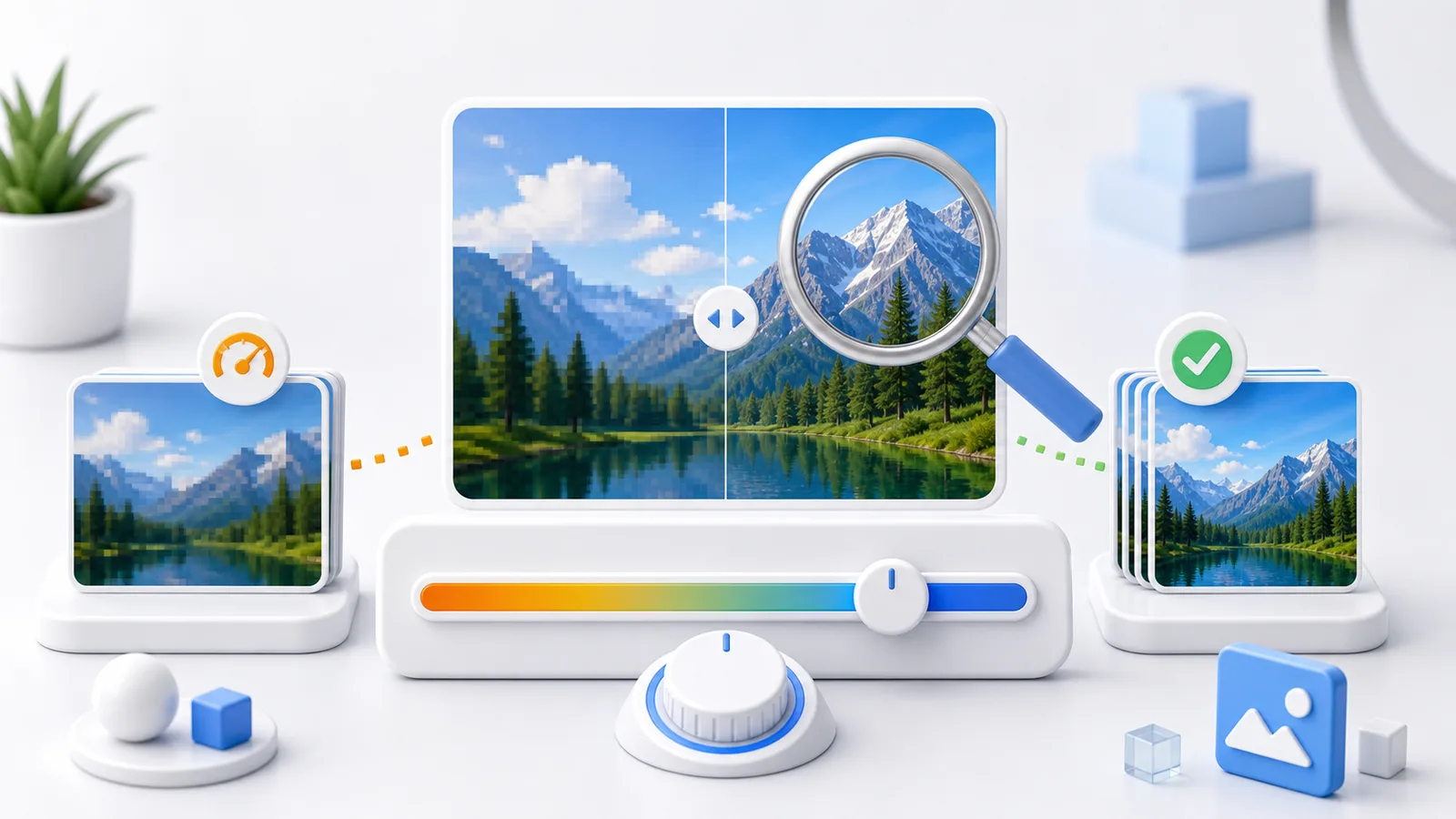 Image Optimization
Choose a sensible JPG or WebP quality setting for photos, product images, thumbnails, and text-heavy graphics.
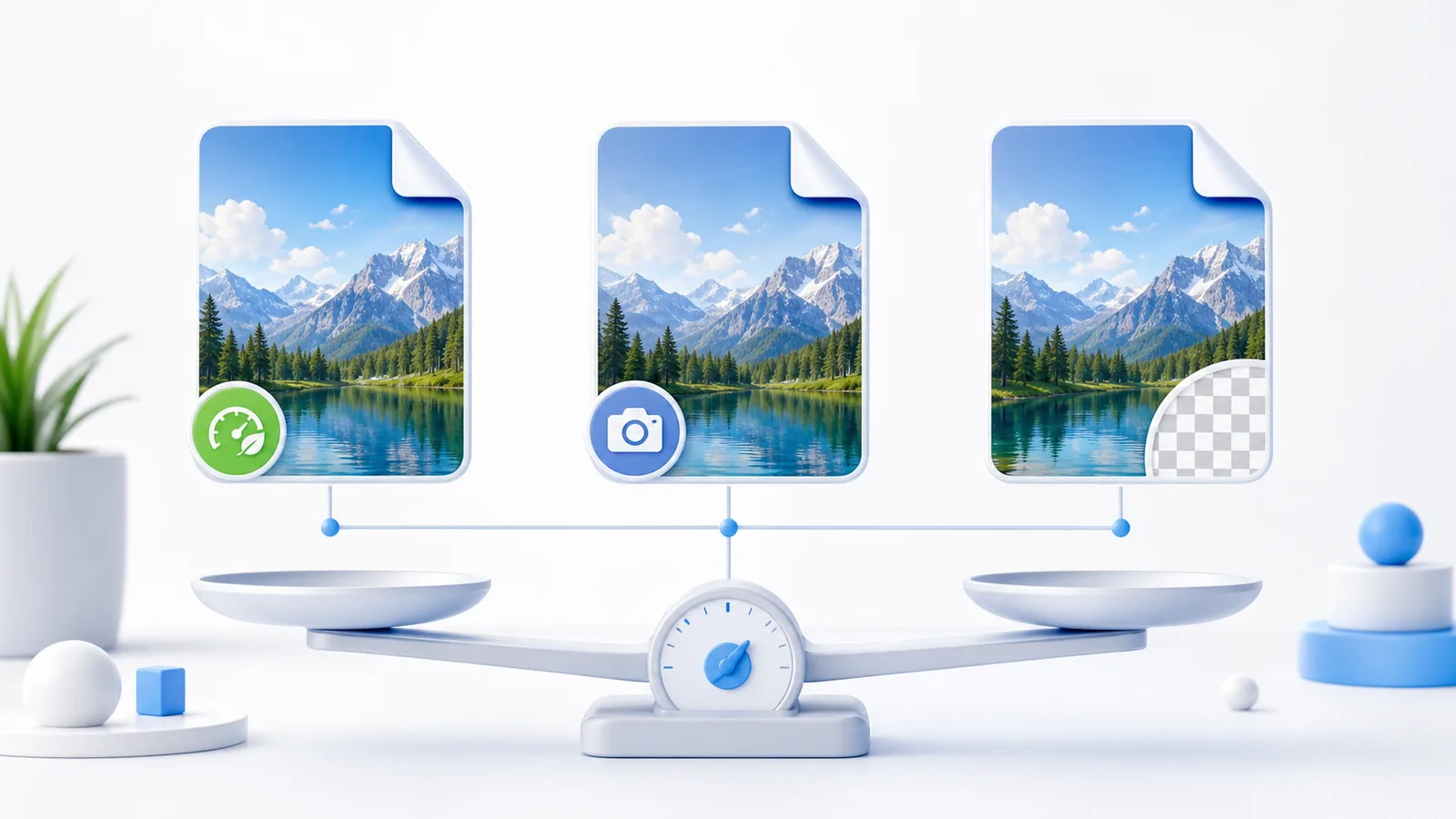 Image Formats
Compare WebP, JPG, and PNG by file size, transparency, compatibility, and the type of image you need to upload.
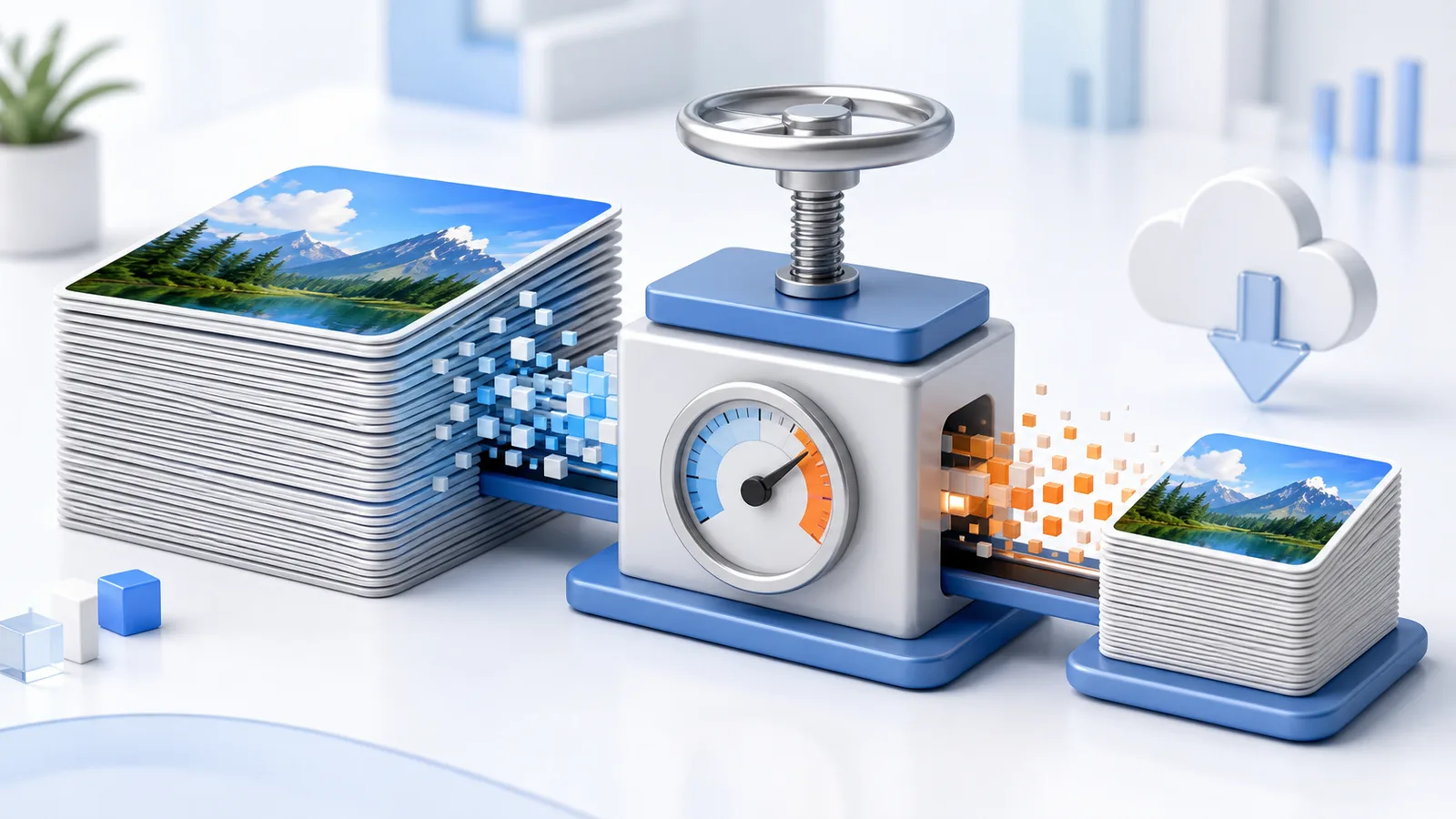 Image Optimization
Learn why smaller image files improve websites, online stores, and social uploads without sacrificing the detail users need.