What the result means
Resize tall product detail images to a consistent width such as 860px while keeping the original ratio.
Resize long product images for upload
Commerce detail page
Resize long product detail images to a target width for marketplace upload.
Drag images here or click to upload
JPG, PNG, WebP, HEIC · up to 10 files · 20MB each · paste supported
Copy an image and press Ctrl+V to paste it here
Processed in your browser · no server upload
Core Options
Adjust only what you need.
Examplesample-image.jpg
{name}=source filename, {index}=number. Leave blank to use the source filename.
Upload at least 1 image to run this tool.
Usage criteria
Review what the tool changes and how to check the output before using it elsewhere. Comparing your inputs with the destination requirements helps prevent an otherwise valid result from being rejected.
Resize tall product detail images to a consistent width such as 860px while keeping the original ratio.
Resize long product images for upload
After processing, review 860px width, Ratio kept, JPG/WebP, detail page image resizer, long product image resize before using the result.
Image output depends on source dimensions, file format, compression quality, and transparency. Photos, logos, and text-heavy graphics can react differently to the same setting, so review both pixel dimensions and visible quality.
Known limitation: Very large images may fail because browser memory is limited.
Core processing runs in the current browser whenever possible. OneClickTool does not store original files or tool inputs on its own server. Review the preview and output values before downloading or submitting an important result.
Yes. Width-based resizing keeps the original ratio and calculates the height automatically.
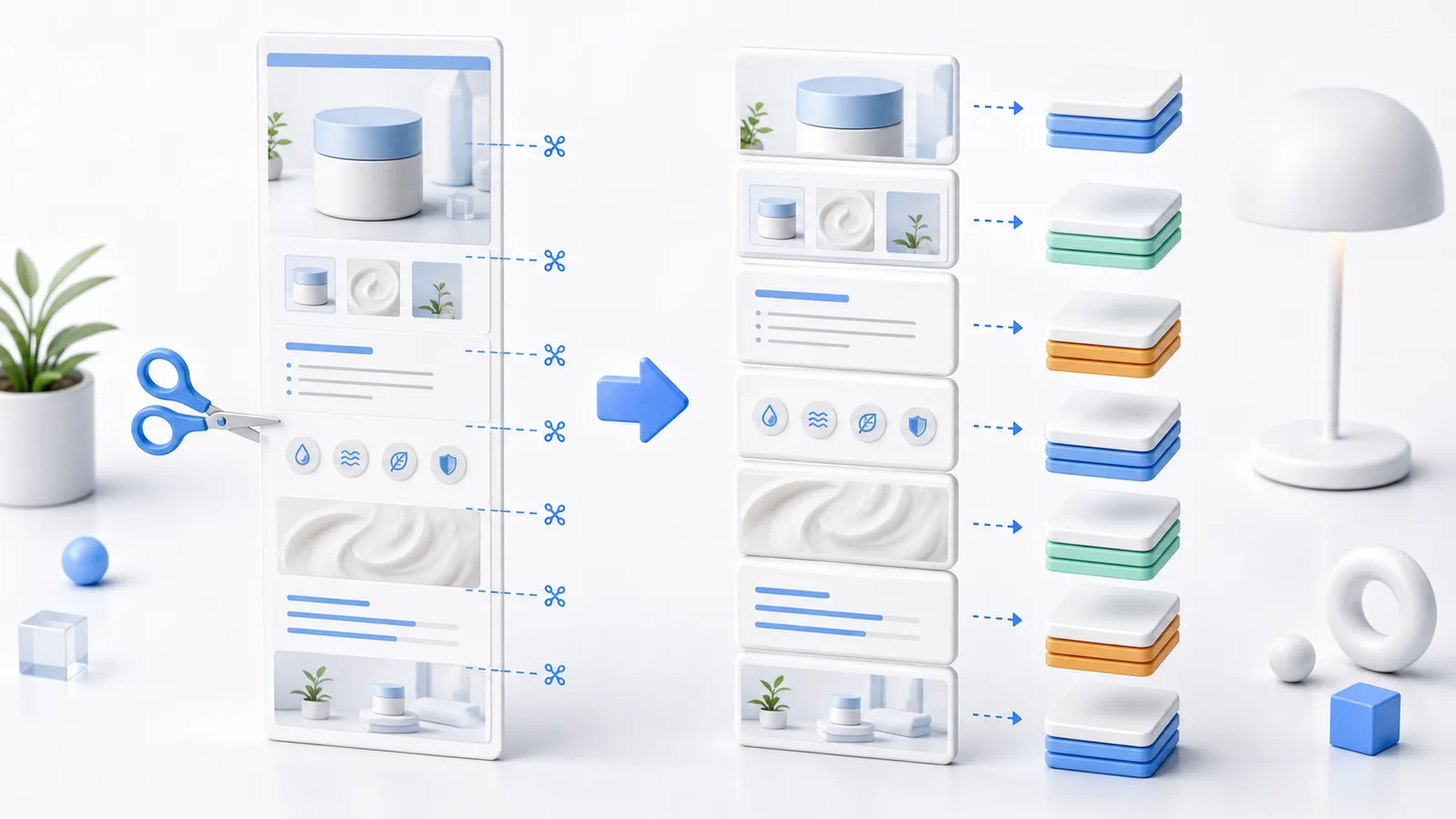
Resize the width first, then use the detail page splitter if the image is still too tall.
No. Recommended widths vary by marketplace and template. Check the actual upload screen before use.
JPG, PNG, WebP, and HEIC images can be converted, compressed, resized, or prepared with presets.
RAW editing, SVG vector editing, and AI background removal are not currently supported.
Check the criteria before using the tool to review results faster.