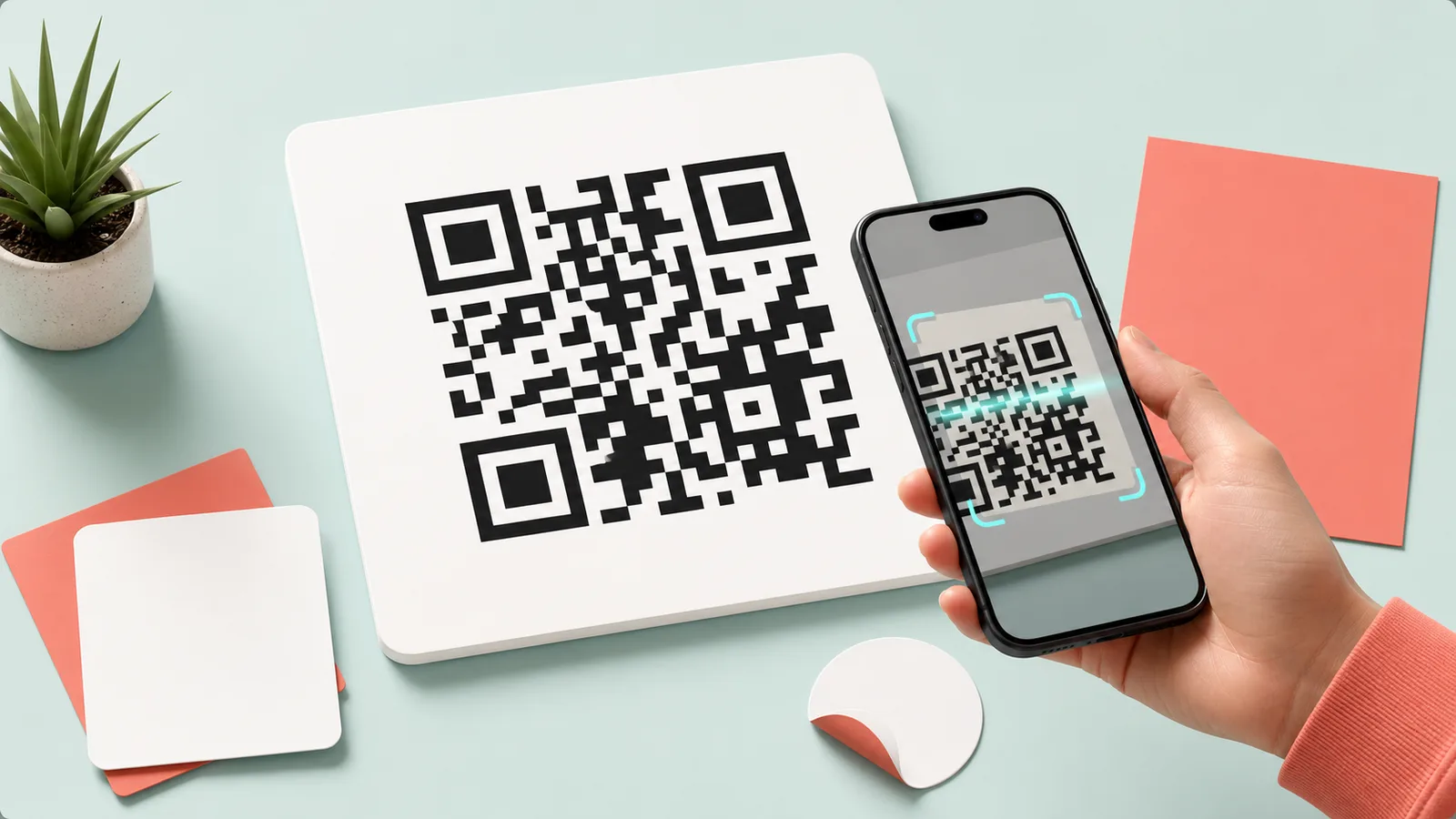
Decode QR images
QR Code Reader
Read QR codes from screenshots or image files and inspect URL, Wi-Fi, or text content.
Browser processing · no file upload to our server
Workspace
Upload QR Image
JPG, PNG, WebP, HEIC
Processed in your browser · no server upload
How to use QR Reader
Check what a QR image contains before you use or share it. Decoded results can be copied immediately.
Recommended workflow
- 1.Upload an image that contains a QR code.
- 2.Review the decoded content and type.
- 3.Copy the result if needed.
QR Reader output checks
- Use an image showing the complete QR without glare or cropped edges.
- Check the decoded domain before opening it.
- Be cautious of login or payment requests from unknown QR codes.
Processing method
The browser locates a QR pattern in the image pixels and decodes its stored text. Blur, glare, cropped margins, or low contrast can prevent recognition.
How files and inputs are handled
This tool processes files and inputs in the current browser. OneClickTool does not receive or store the original content on its own server.
Frequently Asked Questions
Can it read QR codes from screenshots?
Yes. Upload a clear JPG, PNG, or WebP image that contains the QR code.
Can it identify URL or Wi-Fi QR codes?
The decoded text is checked for common formats such as URL, Wi-Fi, email, phone, and SMS.
What should I do if decoding fails?
Try a sharper image or crop closer to the QR code.
Supported Scope
Generate QR codes for URLs, text, Wi-Fi, email, and phone numbers, or decode QR codes from images.
Live camera scanning, video QR recognition, and dynamic QR analytics are not currently supported.
Related Guides
Check the criteria before using the tool to review results faster.