What the result means
Set a size target such as 500KB or 1MB and let the browser adjust quality and format. If the target cannot be reached safely, the result status explains it.
Reduce images for upload limits
Size limit helper
Compress images toward a target KB or MB size while keeping quality as high as possible.
Drag images here or click to upload
JPG, PNG, WebP, HEIC · up to 10 files · 20MB each · paste supported
Copy an image and press Ctrl+V to paste it here
Processed in your browser · no server upload
Core Options
Adjust only what you need.
Examplesample-image.webp
{name}=source filename, {index}=number. Leave blank to use the source filename.
Upload at least 1 image to run this tool.
Usage criteria
Review what the tool changes and how to check the output before using it elsewhere. Comparing your inputs with the destination requirements helps prevent an otherwise valid result from being rejected.
Set a size target such as 500KB or 1MB and let the browser adjust quality and format. If the target cannot be reached safely, the result status explains it.
Reduce images for upload limits
After processing, review 500KB/1MB presets, WebP/JPG output, Savings ratio, image compressor, compress image online before using the result.
Image output depends on source dimensions, file format, compression quality, and transparency. Photos, logos, and text-heavy graphics can react differently to the same setting, so review both pixel dimensions and visible quality.
Core processing runs in the current browser whenever possible. OneClickTool does not store original files or tool inputs on its own server. Review the preview and output values before downloading or submitting an important result.
Not always. Some images cannot hit a very small target without visible damage, and the result status explains that.
Use the upload limit when you have one. Otherwise choose the smallest result that still looks acceptable.
Compression mainly changes quality and format. Use Image Resizer if you also need smaller pixel dimensions.
Upload JPG, PNG, WebP, or HEIC images and compress them toward a target file size. Check the output size and reduction rate before downloading.
The exact KB target may not always be reachable because it depends on image content and resolution.
Check the criteria before using the tool to review results faster.
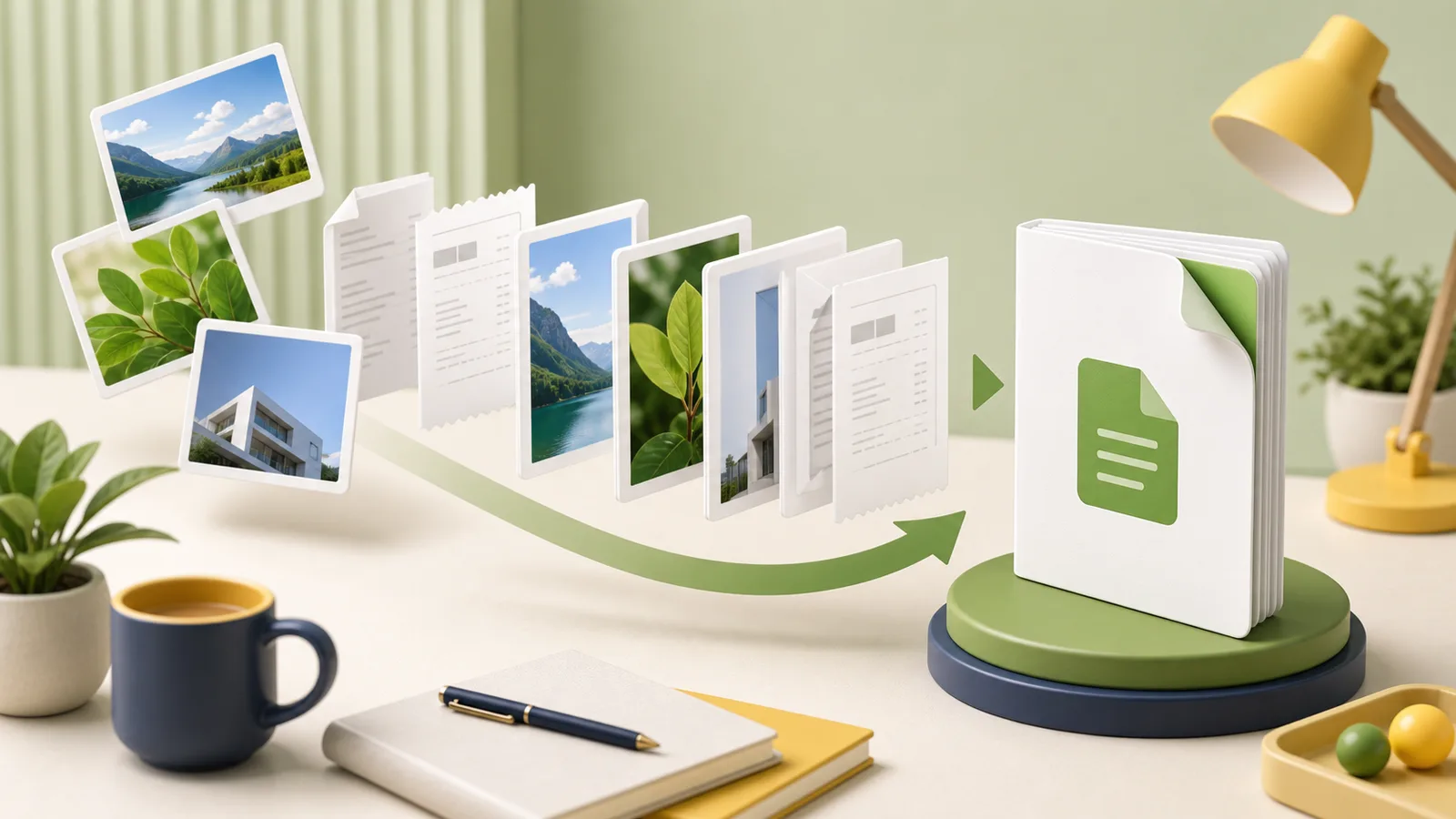 PDF Tasks
Turn JPG, PNG, or WebP images into one PDF while controlling page order, orientation, margins, readability, and output size.
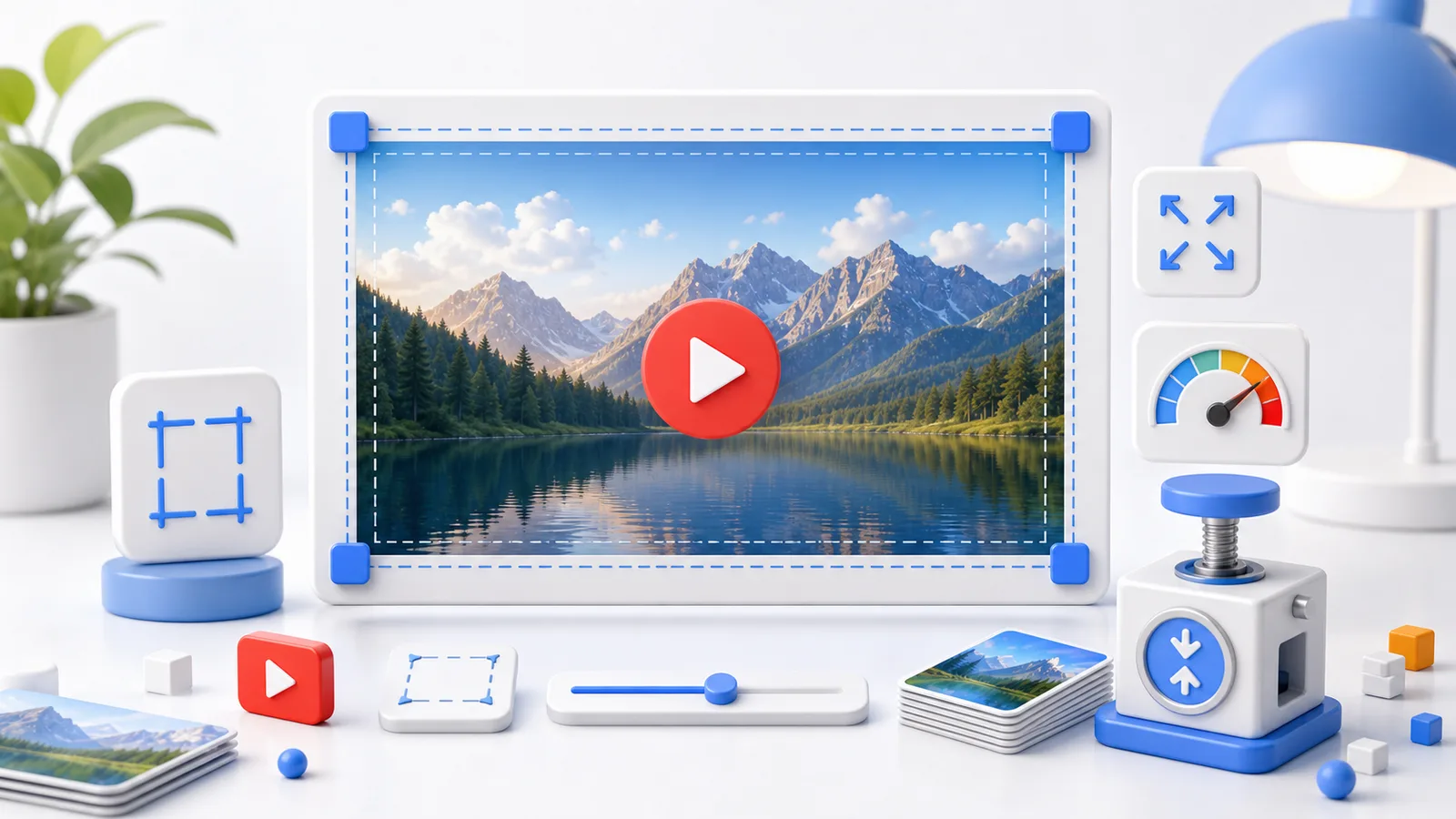 Social Images
Prepare a clear 16:9 YouTube thumbnail with readable text, safe cropping, balanced contrast, and an upload-ready file size.
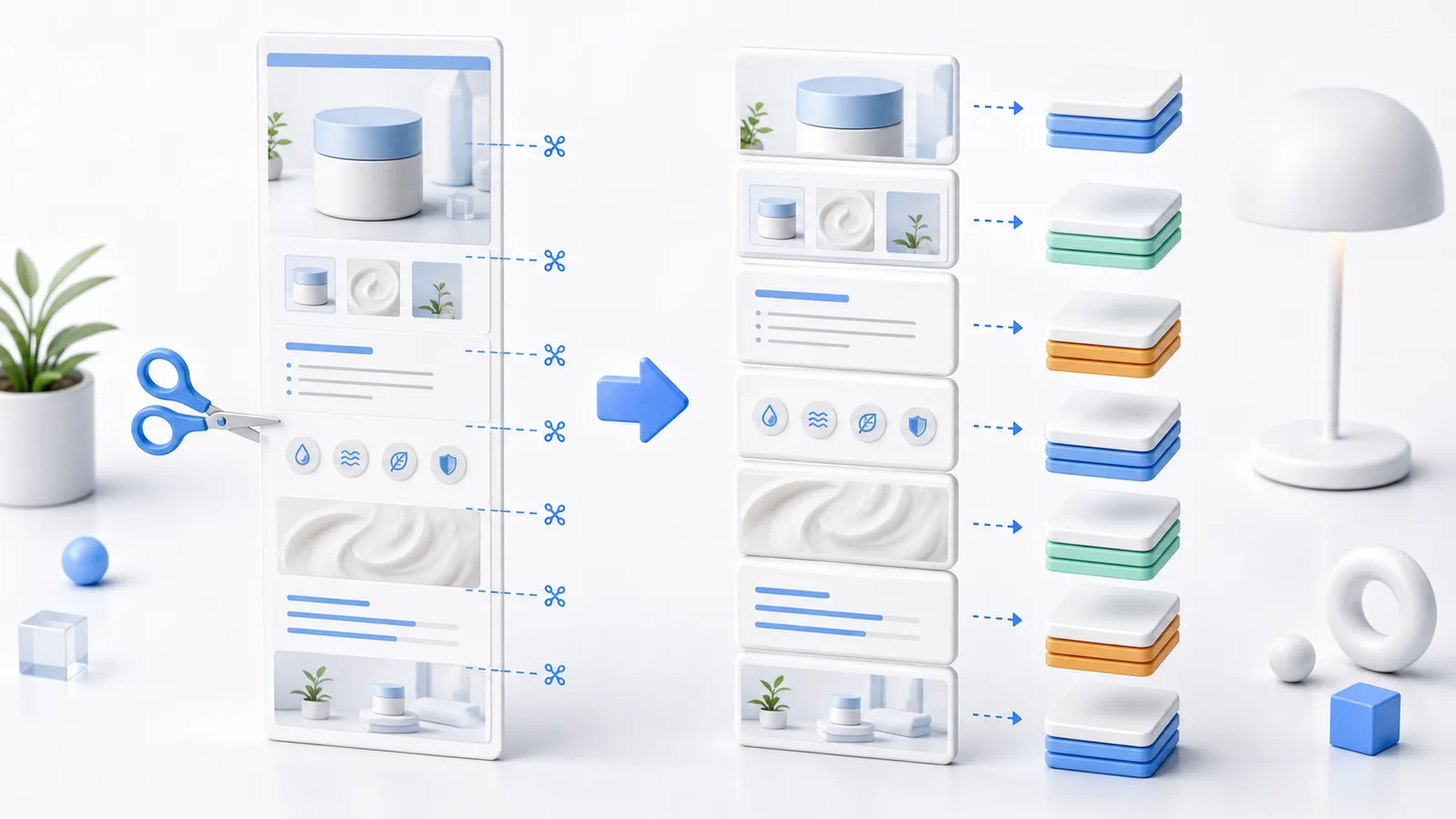 E-commerce Images
Prepare long e-commerce detail images by resizing width first, splitting at safe points, and checking the mobile reading flow.