OneClickTool Guides
Online Tool Guides
Understand the choices, format differences, examples, and output checks behind image, PDF, QR, text, developer, and calculator tasks.
Built for real tasks
Start with the decision criteria, then move directly to the matching browser tool.

All guides
Review practical checks for images, documents, QR codes, text, campaigns, and everyday estimates.
 Developer Tasks
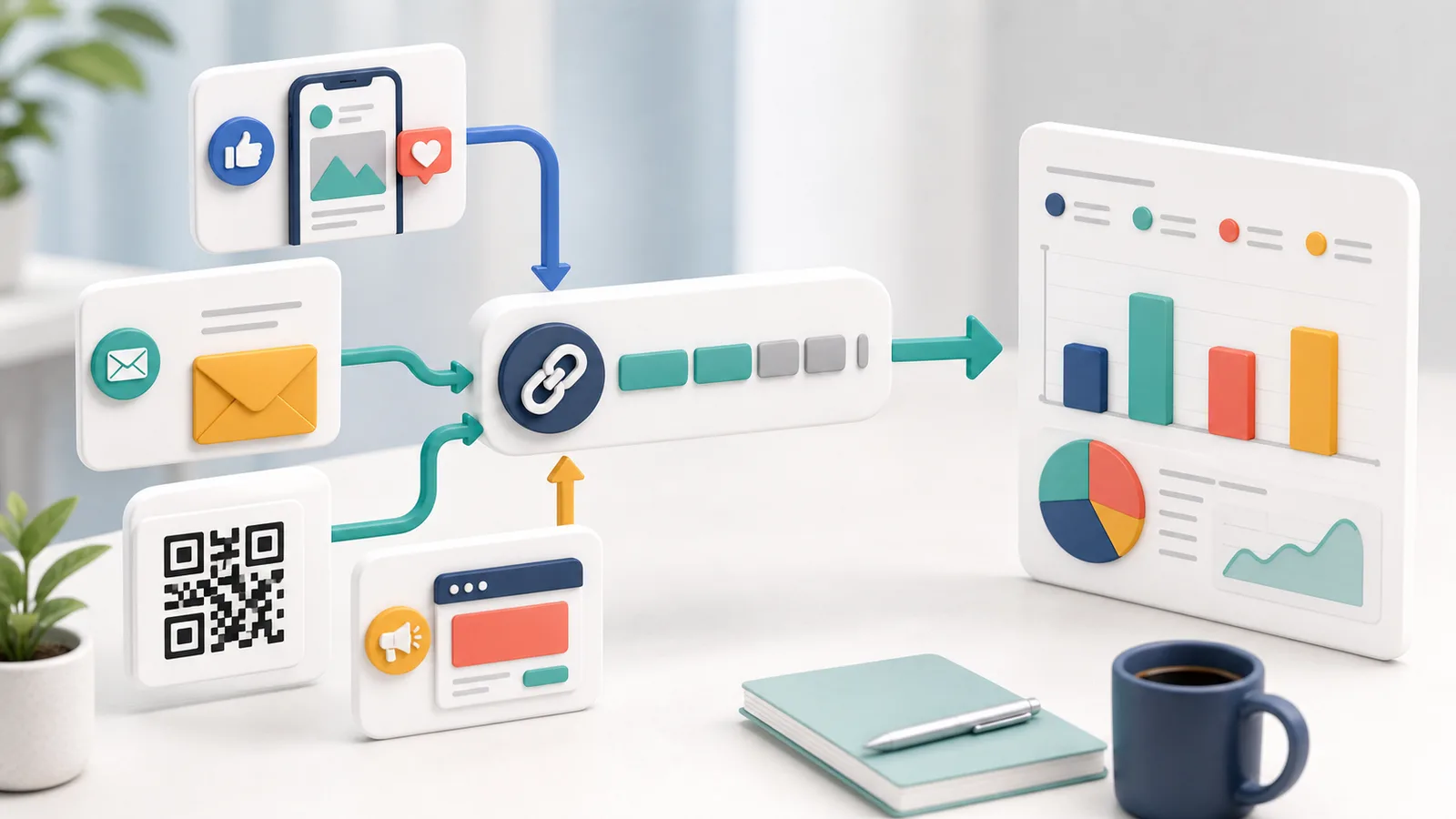
Build UTM URLs
Create consistent campaign URLs with clear source, medium, campaign, term, and content naming rules.
 Developer Tasks
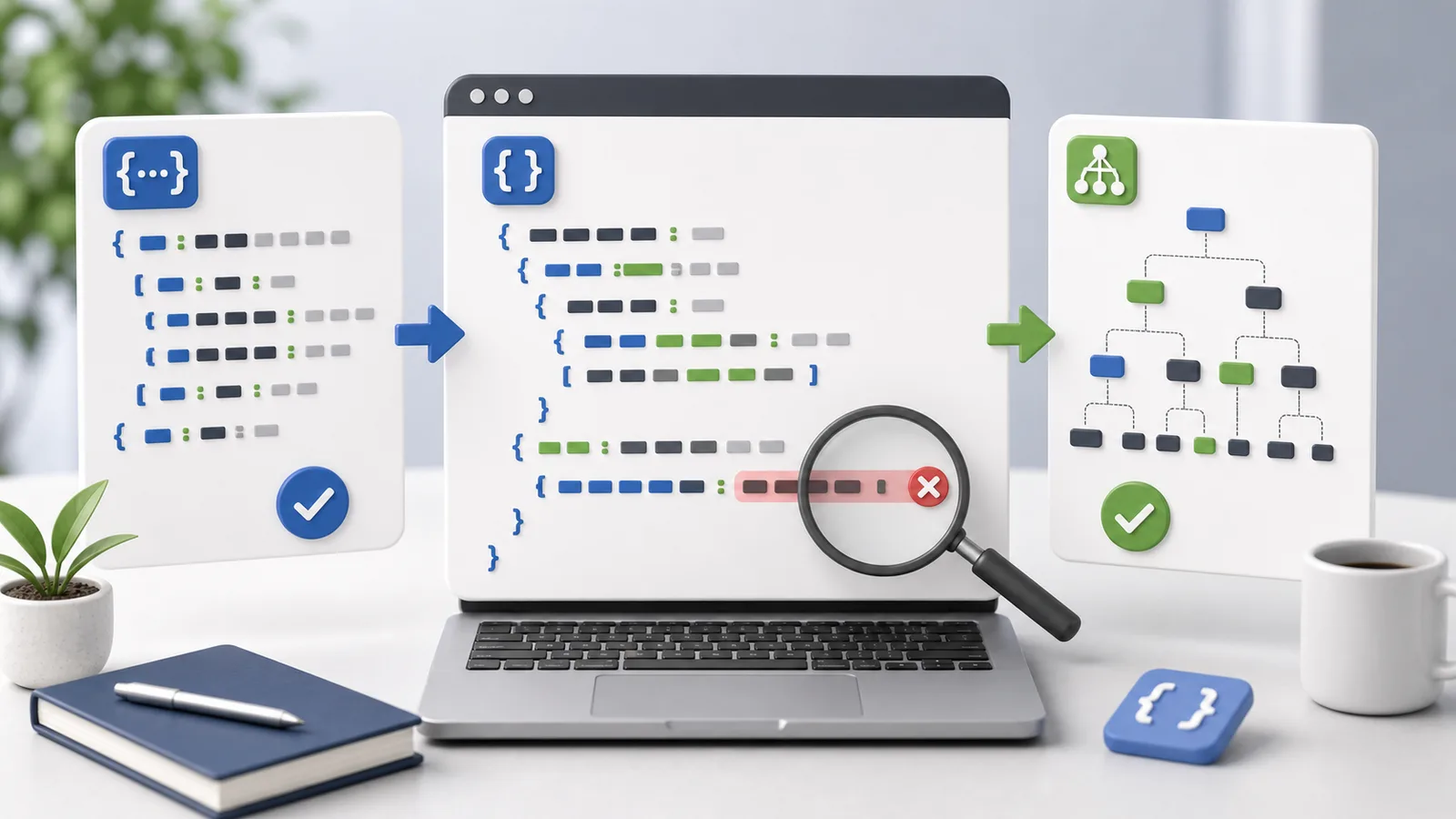
Format and Validate JSON
Make JSON readable, find syntax errors, choose indentation, and minify only after validating the structure.
 Everyday Calculators
Air Conditioner Cost
Estimate cooling electricity cost using rated power, daily runtime, operating pattern, room conditions, and your actual energy rate.
 Everyday Calculators
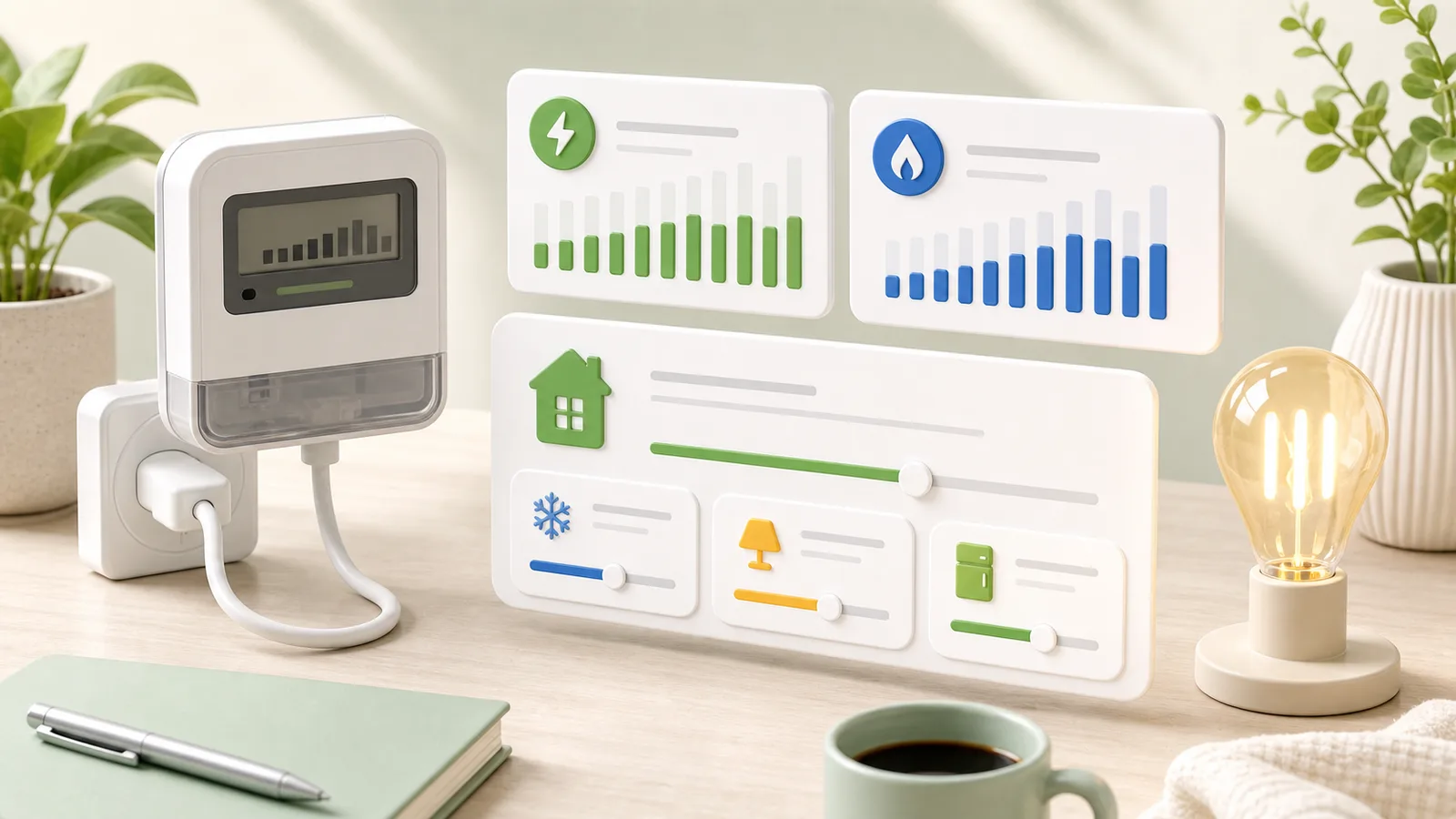
Electricity Cost Estimate
Estimate monthly electricity use from wattage, daily hours, number of days, and your applicable energy rate.
 Text Tasks
Characters and Bytes
Understand why character limits and UTF-8 byte limits differ for English, Korean, emoji, line breaks, and copied text.
 QR Tasks
Create a QR Code
Create reliable QR codes by validating the encoded content, using strong contrast, choosing a practical size, and testing before distribution.
 PDF Tasks
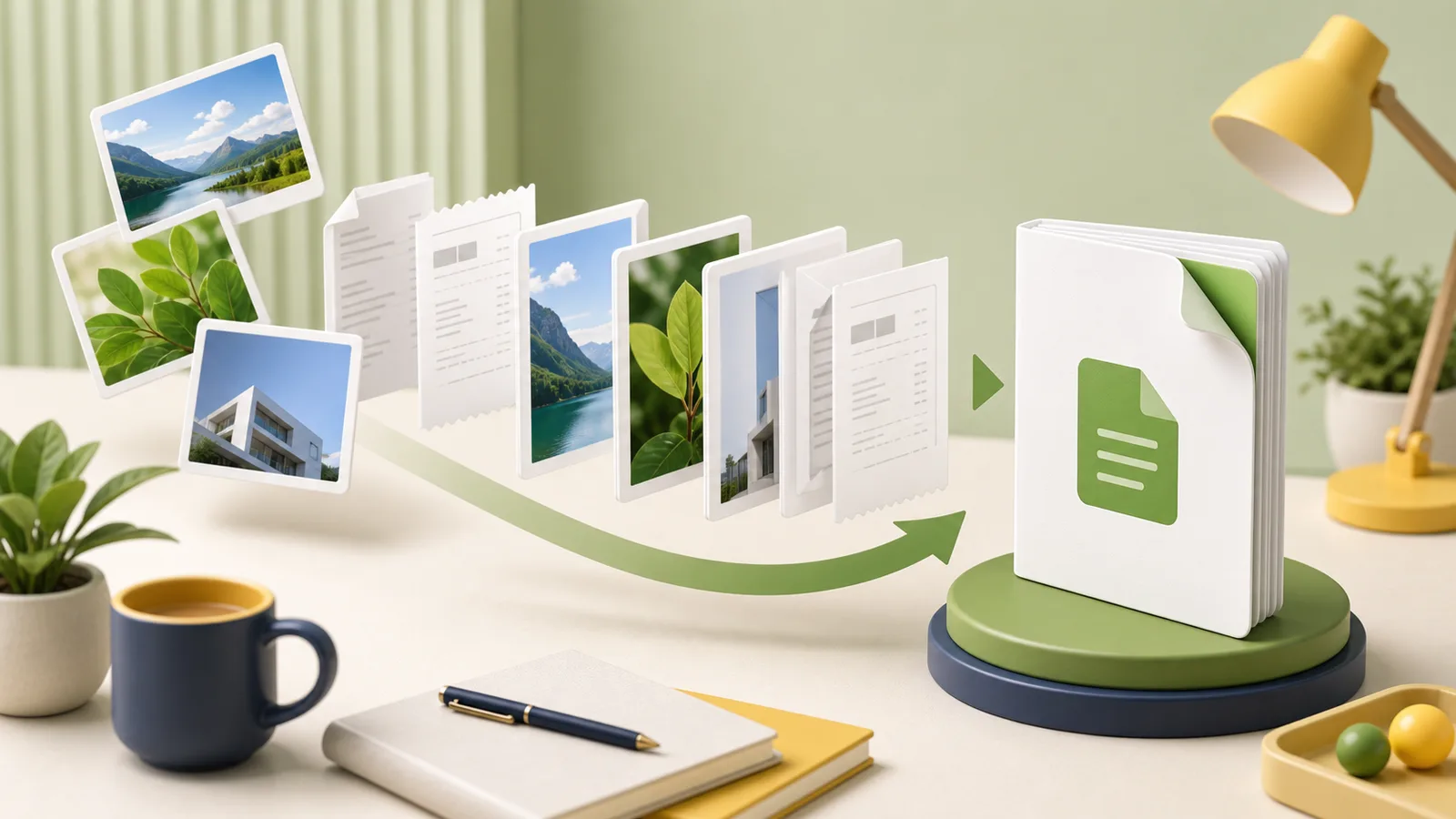
Images to PDF
Turn JPG, PNG, or WebP images into one PDF while controlling page order, orientation, margins, readability, and output size.
 PDF Tasks
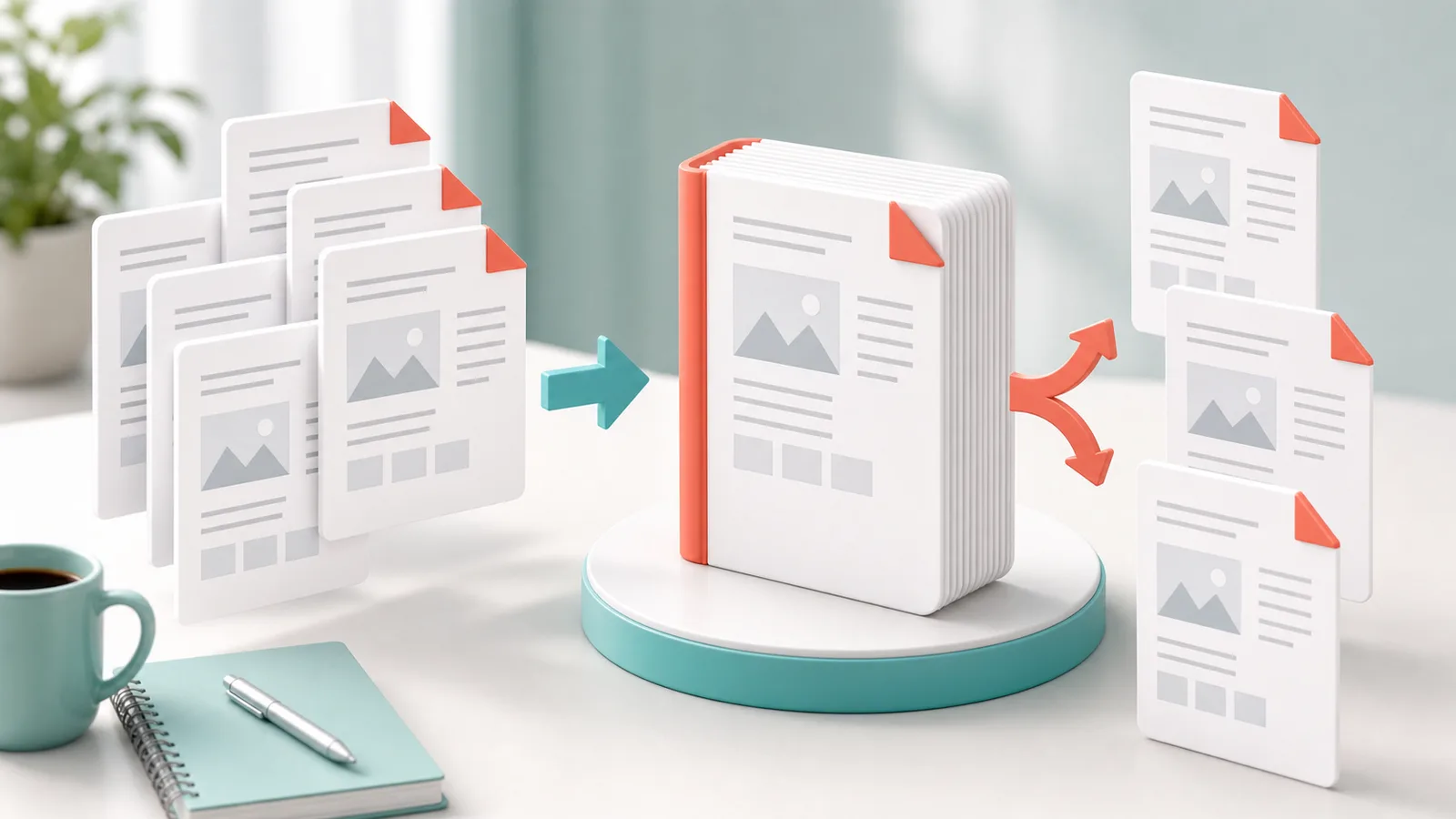
Merge and Split PDFs
Combine PDFs in the correct order or extract only the pages you need while protecting private information and checking the final file.
 Social Images
YouTube Thumbnails
Prepare a clear 16:9 YouTube thumbnail with readable text, safe cropping, balanced contrast, and an upload-ready file size.
 E-commerce Images
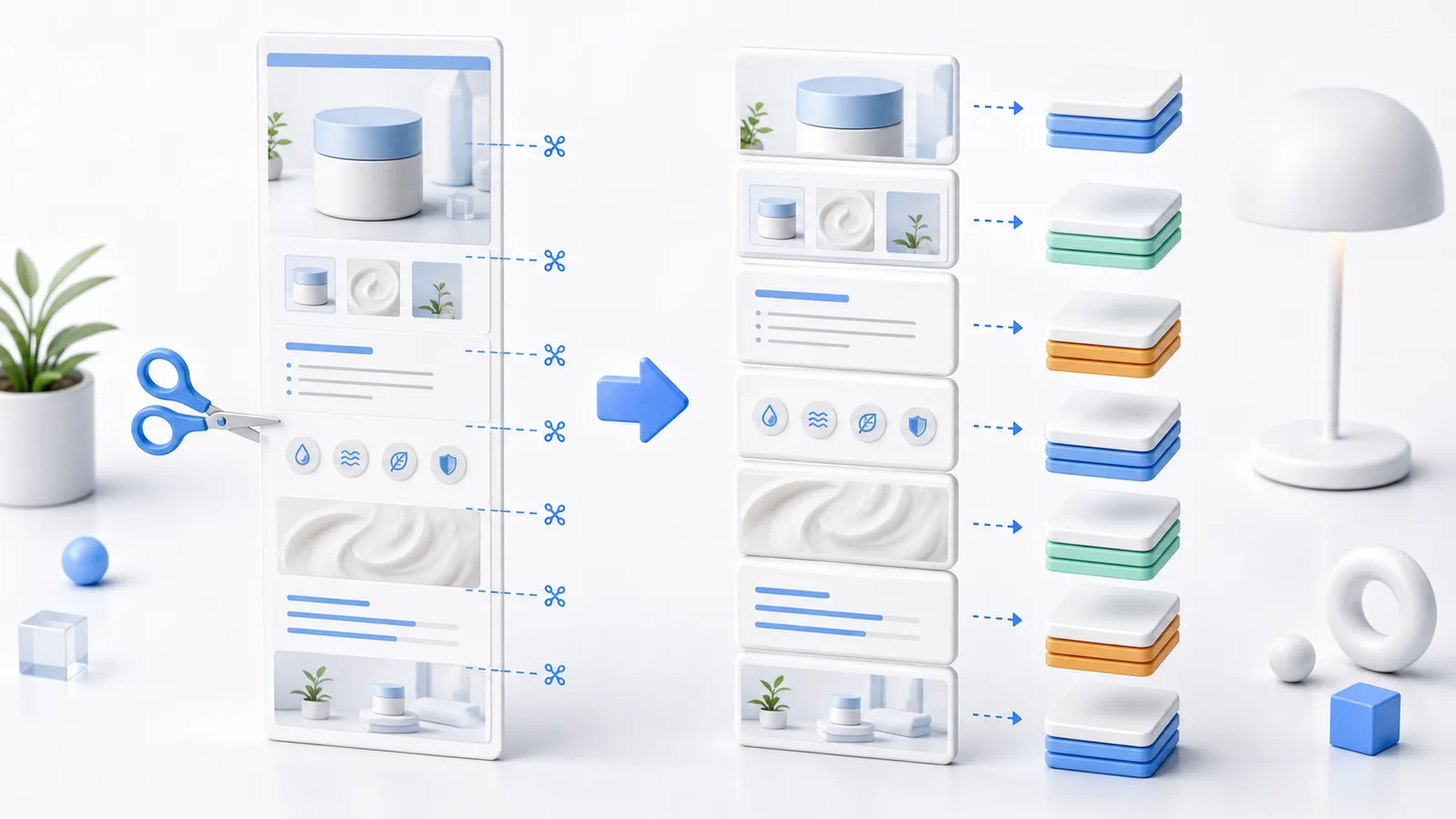
Split Detail Images
Select a range, preserve existing cuts when adding pieces, and save numbered detail images individually or as a ZIP at their original pixel width.
 Image Optimization
Image Quality Settings
Choose a sensible JPG or WebP quality setting for photos, product images, thumbnails, and text-heavy graphics.
 E-commerce Images
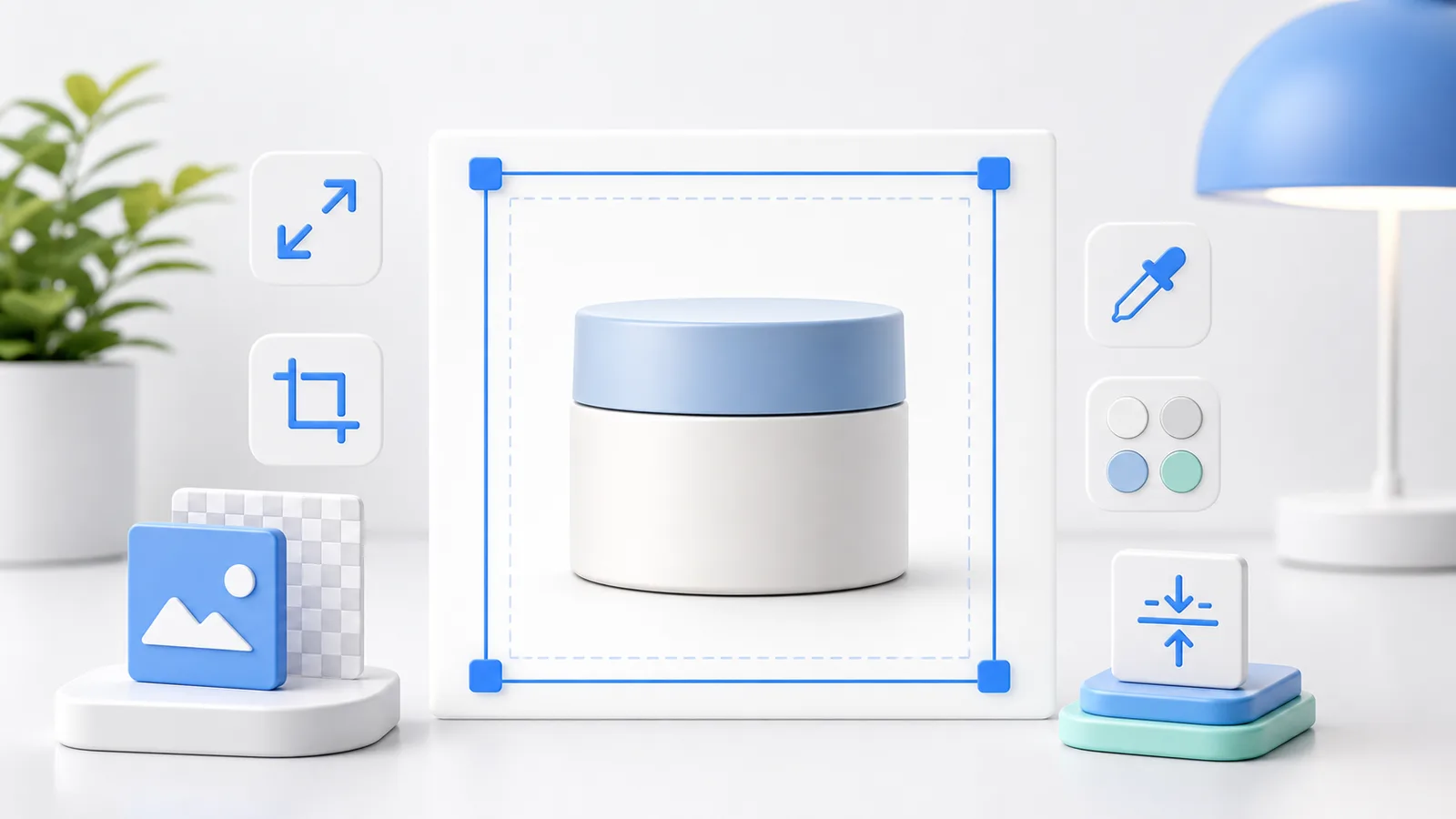
Smart Store Thumbnails
Prepare square product thumbnails with safe spacing, consistent backgrounds, readable details, and manageable file sizes.
 Image Formats
WebP, JPG, or PNG
Compare WebP, JPG, and PNG by file size, transparency, compatibility, and the type of image you need to upload.