Logo QR design
Custom QR Code Maker
Customize QR color, module shape, and center logo for branded QR images.
Browser processing · no file upload to our server
Workspace
Center Logo
Preview
How to use Custom QR
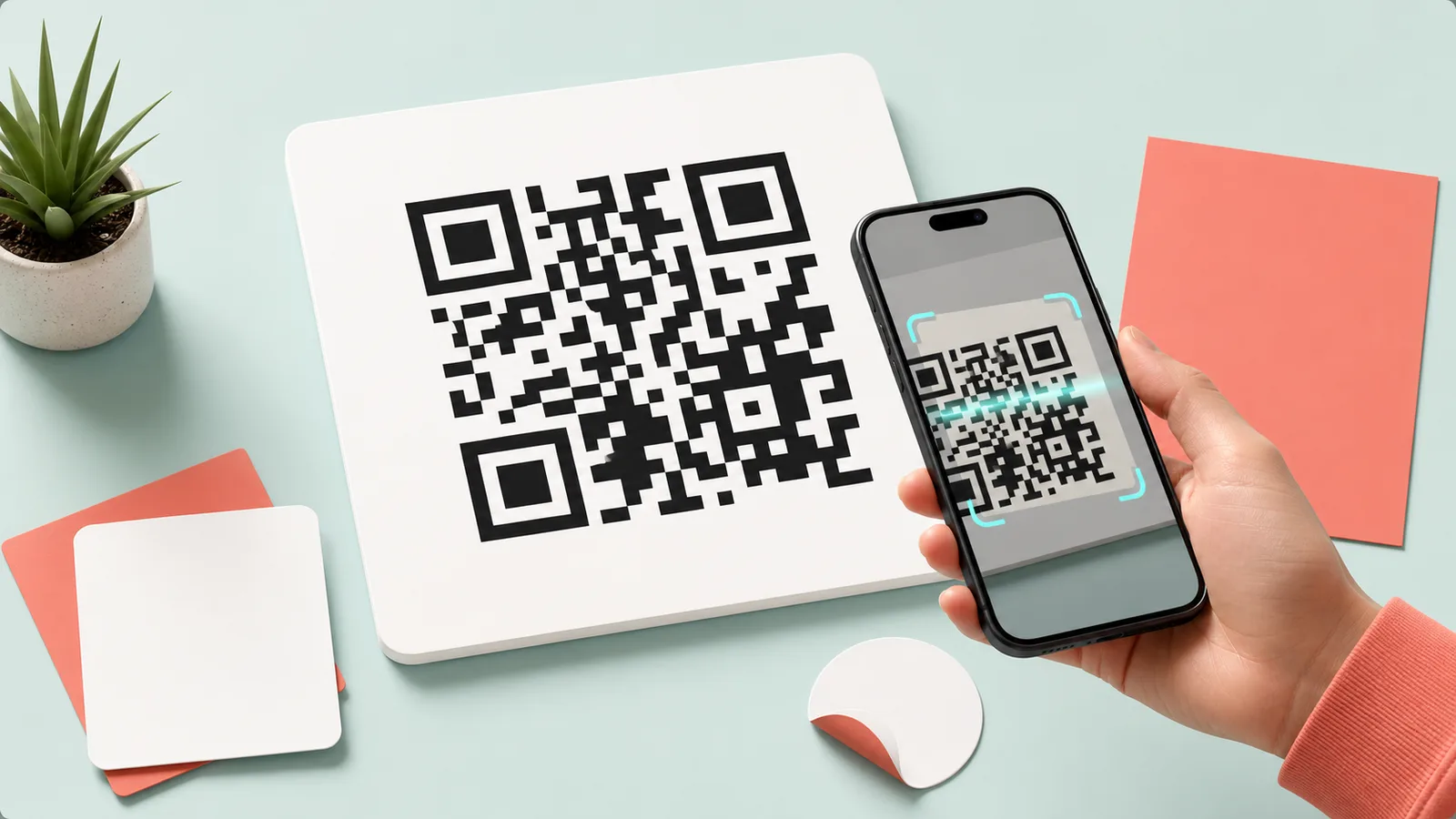
Create a QR code with brand colors and a center logo instead of a plain black square QR. High error correction is applied for logo use.
Recommended workflow
- 1.Enter a link or text.
- 2.Adjust color, shape, and logo size.
- 3.Preview and save as PNG or WebP.
Custom QR output checks
- Scan the final code on a phone and verify the destination.
- Keep the quiet zone intact and ensure enough contrast.
- For print, test a copy at its actual physical size.
Processing method
Color, shape, and logo styling are applied to a static QR pattern. Large center logos or weak contrast can reduce scan reliability.
How files and inputs are handled
This tool processes files and inputs in the current browser. OneClickTool does not receive or store the original content on its own server.
Frequently Asked Questions
Will a QR code still scan with a center logo?
Usually yes when error correction is high and the logo is not too large.
Which colors are safest?
Use a dark foreground and a light background with strong contrast.
Which file type should I export?
PNG is best for documents and sharing, while WebP is useful when you want a smaller image file.
Supported Scope
Generate QR codes for URLs, text, Wi-Fi, email, and phone numbers, or decode QR codes from images.
Live camera scanning, video QR recognition, and dynamic QR analytics are not currently supported.
Related Guides
Check the criteria before using the tool to review results faster.