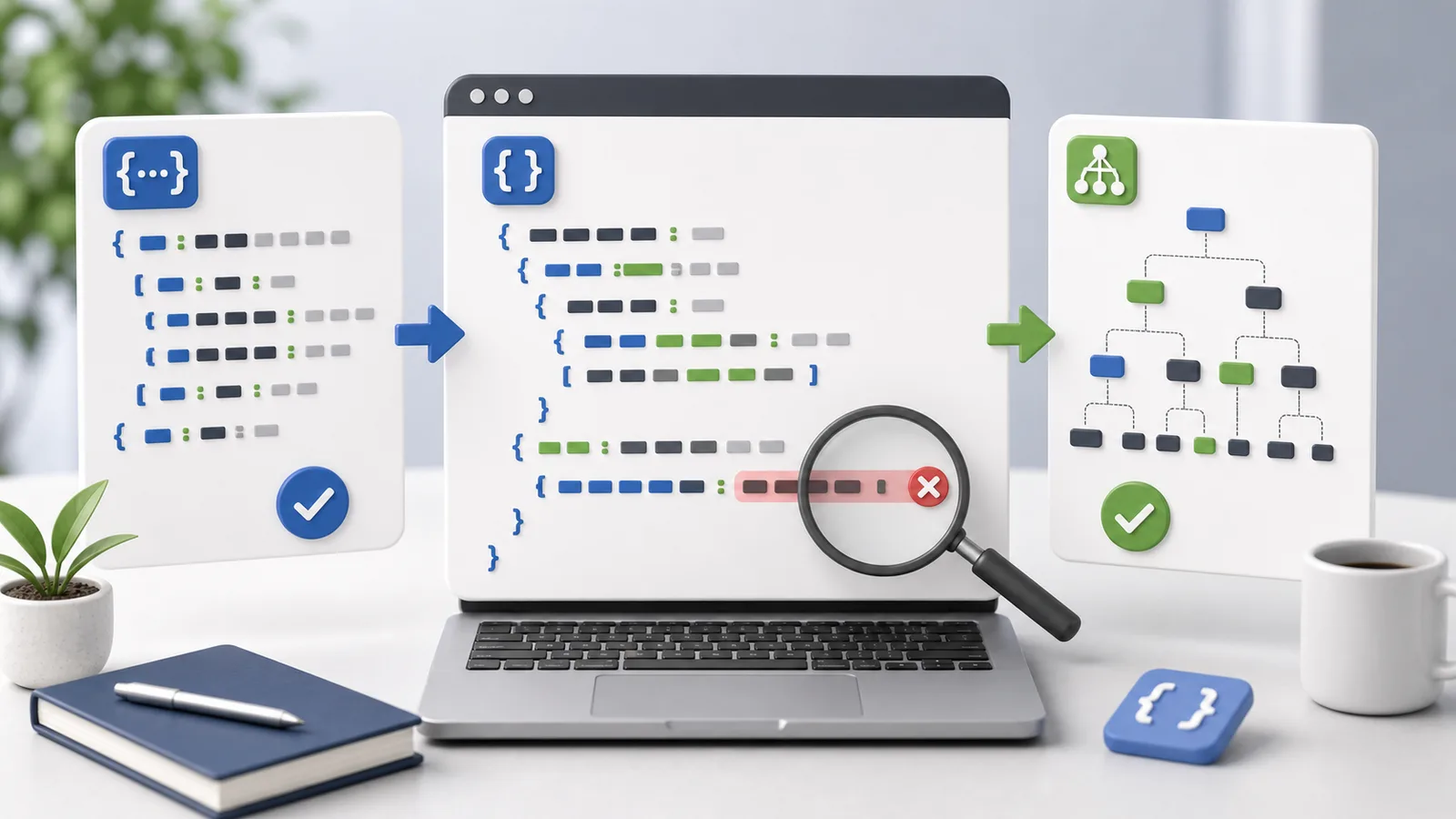
Readable JSON
JSON Formatter
Format, validate, or minify JSON directly in the browser.
Your input is not stored on our server
How to use JSON Formatter
Paste API responses, config values, or logs and turn them into readable JSON with validation.
Recommended workflow
- 1.Paste JSON.
- 2.Choose format or minify.
- 3.Check errors or copy the result.
JSON Formatter output checks
- If an error appears, correct the input and format again.
- Verify that numbers, strings, and null values have the intended types.
- Large integers can exceed JavaScript's safe numeric precision.
Processing method
JSON syntax is validated first. Only parseable data is indented or minified, and invalid input is not silently rewritten.
How files and inputs are handled
This tool processes files and inputs in the current browser. OneClickTool does not receive or store the original content on its own server.
Frequently Asked Questions
Will invalid JSON show an error?
Yes. If parsing fails, the page shows an error message so you can fix the input.
Can I choose 2-space or 4-space indentation?
Yes. Choose the indentation size for readable output, or minify JSON into one line.
Is JSON content saved on a server?
No. Formatting and validation run in the browser and the JSON is not stored on our server.
Supported Scope
Code formatting, JSON validation, Base64, URL encoding, and UTM URL building are supported.
External API calls, server log analysis, and security scanning are not currently supported.
Related Guides
Check the criteria before using the tool to review results faster.