PDF Tasks
PDF Merge and Split Guide: Order, Privacy, and Final Checks
Combine PDFs in the correct order or extract only the pages you need while protecting private information and checking the final file.
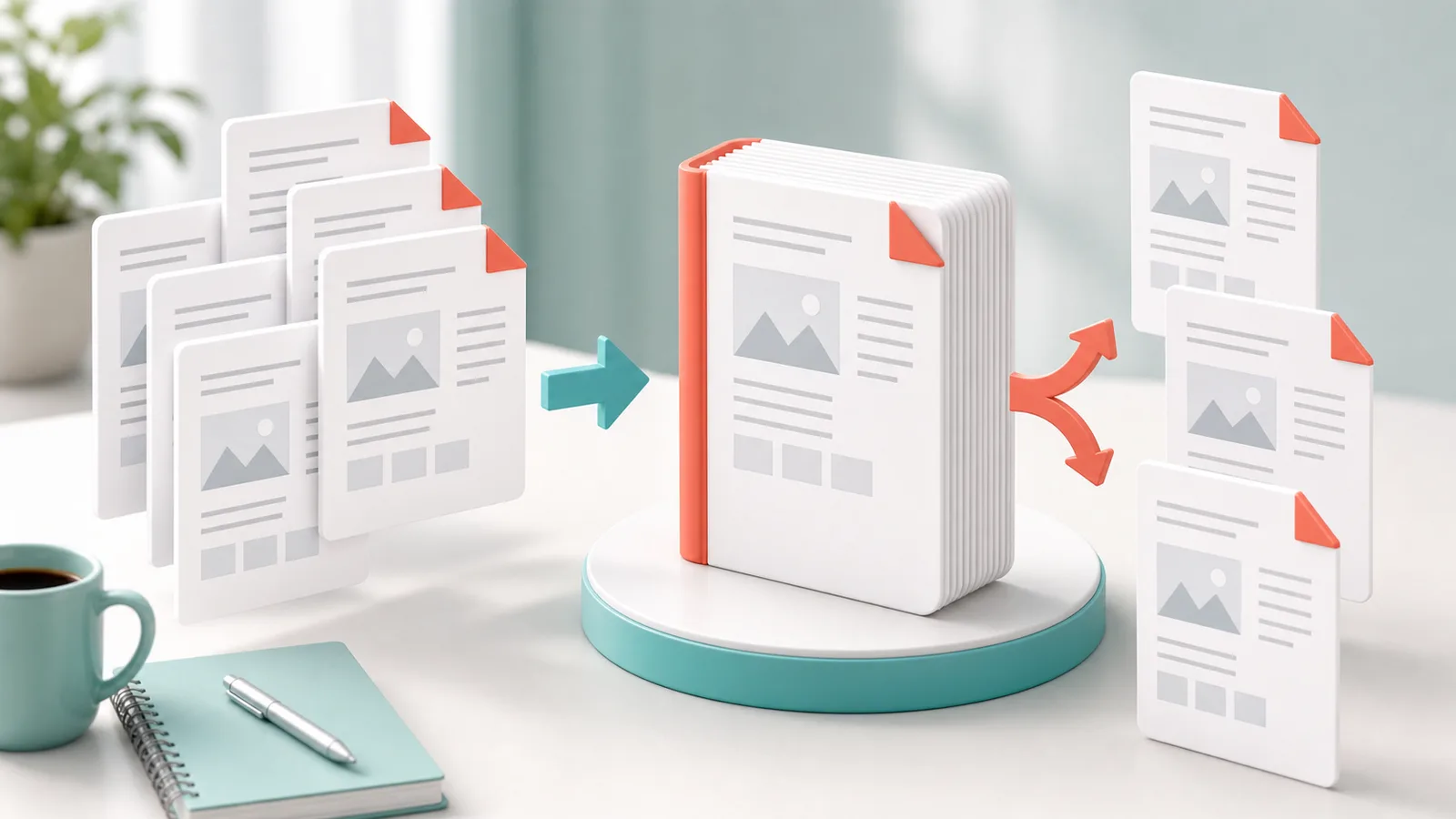
Short answer
Arrange files and pages before merging, or define exact page ranges before splitting. Open the result afterward to confirm order, orientation, missing pages, and exposure of personal information.
Key takeaways
- Rename source files so their order is obvious.
- Use explicit page ranges and review the first and last extracted pages.
- Remove unnecessary personal or confidential pages.
- Open the downloaded PDF before sending it.
Before merging
Place documents in the intended reading order and check that each source opens correctly. A simple numeric filename prefix helps prevent accidental reordering.
Before splitting
Write down the required page range from the visible PDF page count. Printed page numbers and file page indexes may differ when a cover is present.
- Check cover pages
- Confirm inclusive page ranges
- Review rotated pages
- Keep a copy of the source file
Final privacy check
Inspect the output for names, addresses, signatures, account details, and hidden pages that should not be shared.
A technically correct PDF can still be unsafe to share if it contains unrelated personal information.