QR Tasks
QR Code Creation Guide: Content, Contrast, and Testing
Create reliable QR codes by validating the encoded content, using strong contrast, choosing a practical size, and testing before distribution.
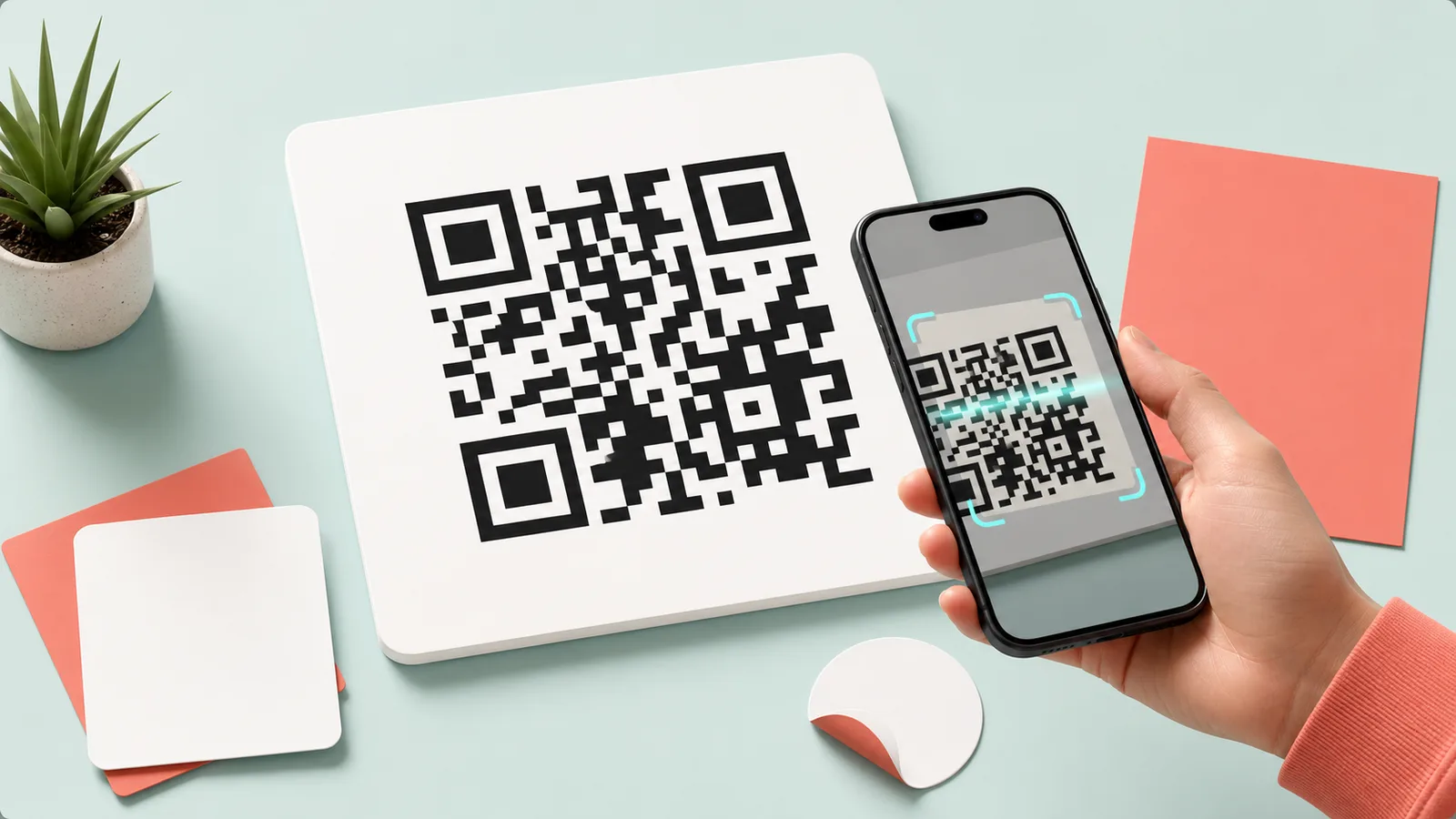
Short answer
The encoded content matters more than decoration. Verify the URL or contact data, keep strong foreground-background contrast, preserve a quiet margin, and test the final printed or displayed version with multiple phones.
Key takeaways
- Open and verify the destination before generating the code.
- Use dark modules on a light background for reliable scanning.
- Do not crop the quiet zone around the code.
- Test the exact final file or printed sample before distribution.
Validate what the code contains
A QR image can scan perfectly while still opening the wrong page. Check spelling, URL parameters, Wi-Fi credentials, and expiration rules before generating the final version.
Design for reliable scanning
Strong contrast and enough surrounding space are more important than decorative effects. Logos and custom shapes reduce the error margin if they cover too much of the pattern.
- Dark foreground and light background
- Clear quiet zone
- Adequate display or print size
- Limited logo coverage
- No stretching after export
Test the real use case
Test from the expected distance, under realistic lighting, and with more than one camera app. For print, scan a physical proof instead of testing only the source image.
Keep a human-readable URL or instruction nearby when the destination is important or long-lived.
Try it now
QR Generator
Create QR codes with size and format options